Jim Rossman: Simplify your Alexa smart home commands
Published in Science & Technology News
I’ve got Amazon Echo devices in a few of my rooms at home as the gateway to my smart home system.
I started with one Echo Dot in the living room, but added a new Dot with a clock to the bedroom and the bathroom.
Once I learned what I could do with some additional equipment, I added some smart bulbs and smart plugs to a few of my lamps and now I can control most of the lights in my home with my voice, asking Alexa to turn them on or off.
When you set up a smart bulb in a lamp, you get to name that lamp, so Alexa will know which lamp you are asking her to turn on. In my living room, I’ve set up lamps called "table lamp" and "floor lamp."
To turn them on, I’d say, “Alexa, turn on the table lamp,” and “Alexa, turn on the floor lamp.”
Easy, but a bit cumbersome. I also set up my dining room light with a smart bulb called “dining room.”
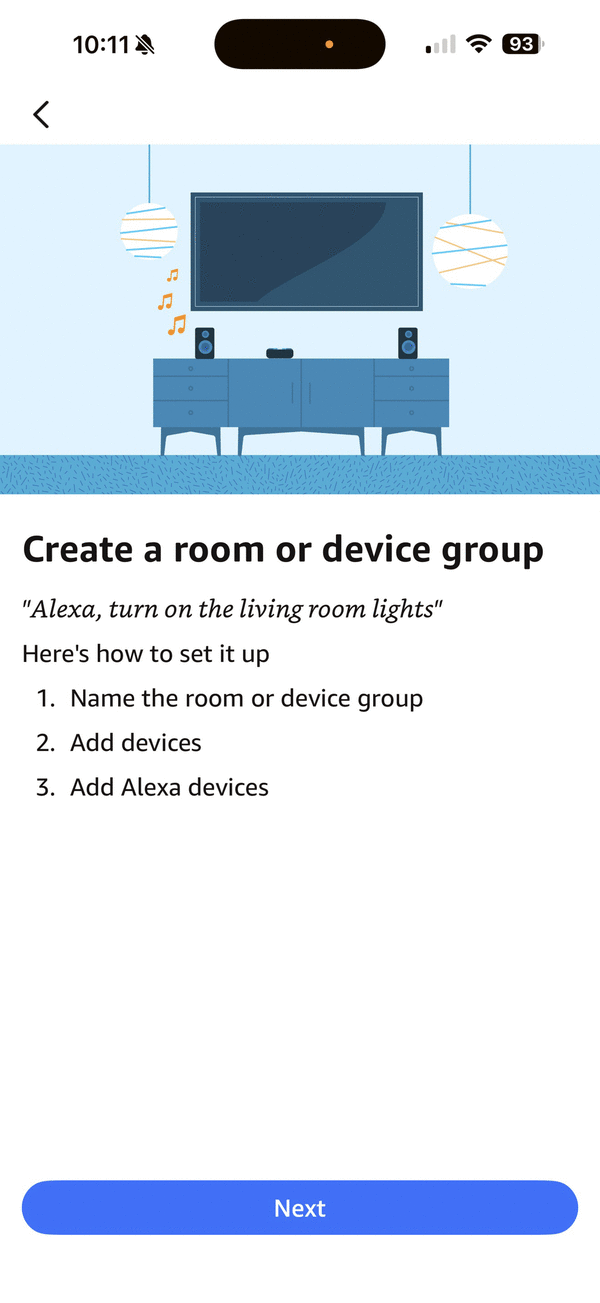
The Alexa app wants to make things easier by letting users put their devices into rooms or device groups. This way, you can create a group – like Living Room – and then tell Alexa which lamps or plugs are in the living room. Since I have an Echo Dot in the living room, I can assign the Dot to the group as well.
To set up a group, tap the + sign on the Alexa app home screen and choose “Group.” The app will walk you through setting things up.
What’s the advantage of grouping your Alexa-enabled devices?
Now that my living room group is set up, when I am in the living room and I ask Alexa to turn on the lights, she knows which lights are in the living room and turns them all on with that one command to “turn on the lights.”
After a few days, I even added the dining room light to the living room group, as I wanted that light to come on with the living room lights.
I made a similar group for my bedroom with bedside table lamps for me and my wife and included the bedroom Echo Dot.
Now we can walk into the bedroom and ask Alexa to turn on the lights, and she only turns on the lights in the bedroom group.
I can also be in the bedroom and tell Alexa to turn on or off the “living room lights,” and they all obey.
The Alexa app also offers automations that let you group multiple actions into one voice command.
For instance, when I get home at night, once I’m inside the front door, I can say, “Alexa, I’m home,” and that command will turn on every Alexa-enabled light in the house. Likewise, if I’m in bed, I can say, “Alexa, good night,” and she’ll turn off every light.
I set my mom up with groups in her house over Thanksgiving. She’d been calling out the lights individually, but now she can just tell Alexa to turn off the lights for her rooms, and it just happens.
Home assistants from Google and Apple offer similar commands groups. It can really save you some time if you dive into some of the more complex features of your home assistant and the companion app.
©2025 Tribune Content Agency, LLC.






Comments